Why a fleet dashboard needs two timestamps
Compare when a truck event happened with when it reached the dashboard, and use a delayed upload to spot the difference.
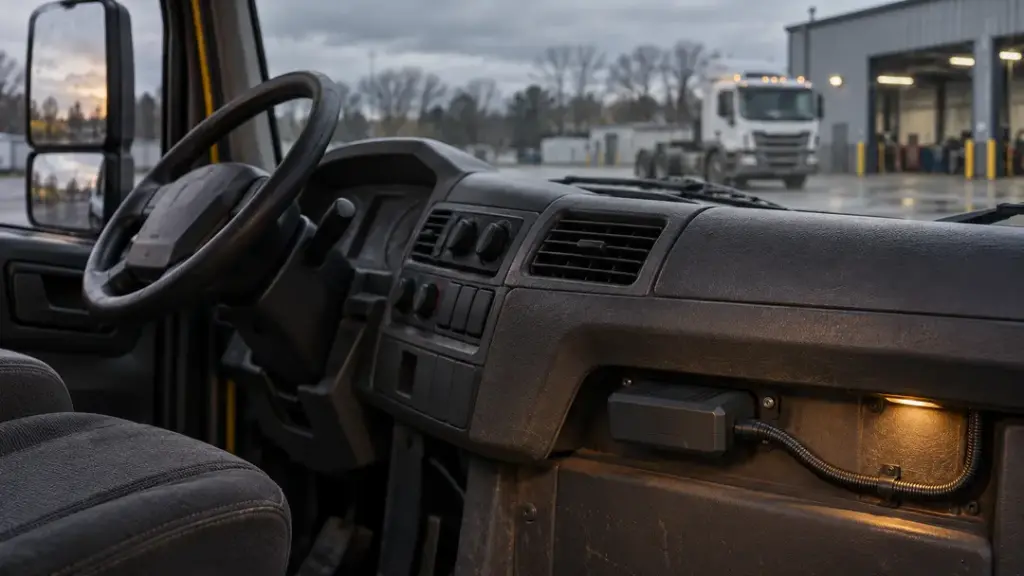
A driver reports a workshop warning at 09:14. The fleet dashboard shows a matching event at 09:42. Before asking what changed in those 28 minutes, inspect the label on the dashboard. The displayed time may tell you when the record arrived.
A fleet event can usefully carry two times. Event time describes when the source says something happened. Receipt time describes when the receiving system first saw the record. Keep those meanings visible when comparing a driver report, a workshop note and a list of uploaded events.
Run a delayed-upload check
Here is a fictional example. A gateway records a warning at 09:14 UTC. It loses its connection and sends its stored events when coverage returns. The receiving service records arrival at 09:42 UTC. If it stores only arrival time, an event list can make the warning look as if it occurred after the truck reached the yard. Sorting by reported event time restores the source order for this example. Sorting by arrival shows when the desk could first have known about it.
For a small acceptance test, use a test fixture or a vendor sandbox. Create one reference event and feed the dashboard a sample that carries an older source timestamp. Check the table, detail view and CSV separately. Ask a colleague to identify the time of the source event and the time the dashboard received it. The labels have worked if the answers agree across all three views.
Give missing information its own state
Two columns do not guarantee that either clock is good. A mis-set clock on the unit can produce a timestamp later than receipt. A missing source timestamp cannot produce a reliable upload delay. Keep the source value, state that it is unavailable or suspect, and show which time is actually being used for sorting. Both times should use an explicit offset or a consistent display zone. The example above uses UTC so the subtraction has no time-zone component.
This is the same distinction that the OpenTelemetry log data model makes between a source timestamp and an observed timestamp. It provides useful terminology for the design. The field names and delivery behaviour in a fleet product depend on that product. OpenTelemetry log data model.
Decide how a late record should appear
For a workshop investigation, the export should let the reader reconstruct the sequence around the reported warning. For a live dispatch screen, it can be more useful to mark a late arrival as a newly received record with an older event time. Keeping both lets each view serve its purpose while pointing to the same record.
If the dashboard shows one unqualified Time column, find out whether the vehicle gateway, a relay or the receiving service writes it. Then repeat the delayed-upload check using the export the workshop actually reads. A clear answer there is worth more than a second timestamp kept only in the database.